 Ocean
Ocean
Shared Hosting vs. Dedicated Server: Which One Does Your Website Actually Need?
July 12, 2026 · by Aman · 3 min read
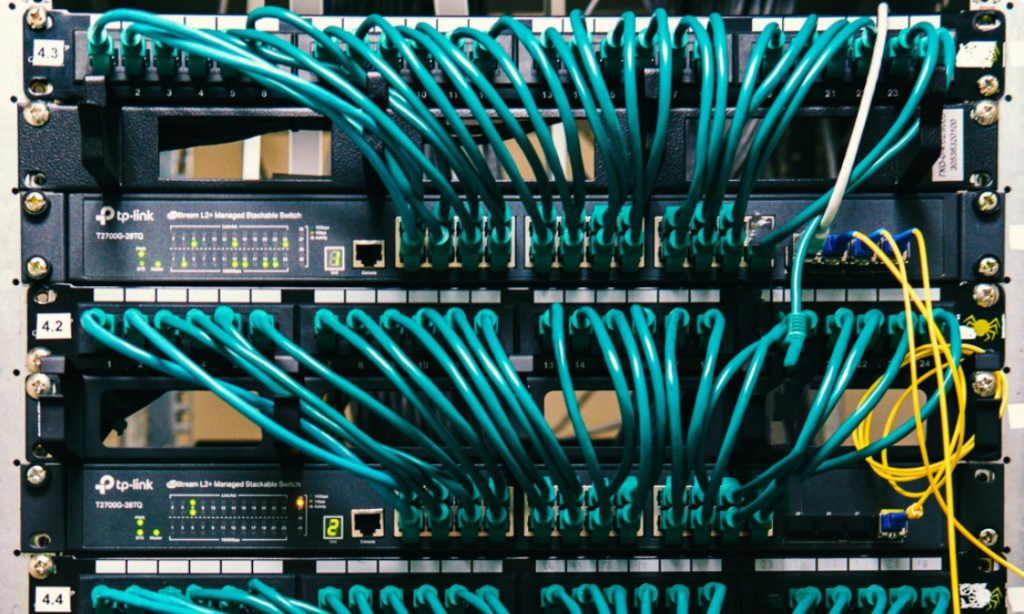
If your site is getting slower, crashing during traffic spikes, or you keep seeing “resource limit reached” warnings from your host, you’ve probably already been told the answer is “upgrade to a dedicated server.” But that advice is only half useful without knowing what you’re actually upgrading from and to — and whether you need it yet.
What Shared Hosting Actually Means
On shared hosting, your website sits on the same physical server as hundreds (sometimes thousands) of other websites, all splitting the same CPU, RAM, and bandwidth. It’s the reason shared hosting is cheap — you’re paying for a small slice of a much bigger machine.
For a new blog, a portfolio site, or a small business site with modest traffic, this is genuinely fine. Most visitors won’t notice anything.
The problems start when:
- One of the other sites on your server gets a traffic spike and eats up shared resources
- Your own traffic grows past what a shared slice can comfortably handle
- You’re running WooCommerce or any store where checkout and live inventory need real processing power, not just static page delivery
What a Dedicated Server Actually Gives You
A dedicated server means the entire machine — every core, every gigabyte of RAM, the full bandwidth — belongs only to your site. Nobody else’s traffic spike affects you. Nobody else’s misconfigured plugin can drag your server down.
The trade-off is cost and a bit more responsibility (though a good host, including one with a free control panel included, removes most of the technical burden).
So Which One Do You Actually Need?
A simple way to think about it:
| Situation | Best Fit |
|---|---|
| New site, low traffic, blog or portfolio | Shared hosting |
| Growing traffic but still unpredictable | Shared hosting, but keep watching |
| Running an online store (WooCommerce, etc.) | Dedicated server |
| Frequent slowdowns during busy hours | Dedicated server |
| Business-critical site where downtime costs money | Dedicated server |
| You need full control over server configuration | Dedicated server |
The honest rule of thumb: if downtime or slowness would cost you real customers or real money, the cost difference between shared and dedicated hosting is almost always smaller than what one bad outage would cost you.
Making the Switch
Moving from shared hosting to a dedicated server sounds intimidating, but a decent host will migrate your site for you and get you set up with an easy-to-use control panel — no server administration experience required. It’s worth asking any host you’re considering exactly what’s included before you commit, since “dedicated server” pricing varies a lot depending on what support and tools come with it.
Curious whether your current traffic justifies the switch? Compare our shared hosting and dedicated server plans, or read more on why we built our dedicated servers around free control panel access.
Looking for a Dedicated Server for Your Business?
Contact OceanWebHosting for a custom server solution.
Explore Dedicated Servers
Aman
Writes about dedicated server hosting, performance, and infrastructure for the Ocean Web Hosting blog.